Arrow Tools
(Available in DoubleCAD XT Pro only)
Default UI Menu: Draw/Arrow
Ribbon UI Menu:

Arrow Tools
There are four Arrow tools which allow you to quickly create arrows to annotate your drawings.
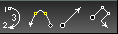
- Arrow Arc
- Arrow Curve
- Arrow Line
- Arrow Polyline
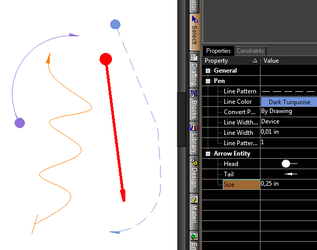
Results and Properties of using Arrow Tools:
Arrow Arc
Default UI Menu: Draw/Arrow/Arrow Arc
Ribbon UI Menu:

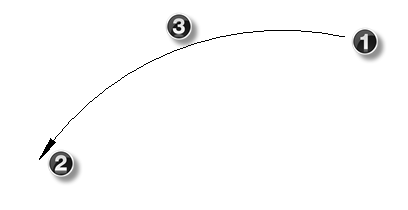
To draw an Arrow Arc
- Select the Arrow Arc tool
- Click to set the beginning point of the arc.
- Click to set the end point of the arc.
- Click to set the middle point of the arc.
Arrow Curve
Default UI Menu: Draw/Arrow/Arrow Curve
Ribbon UI Menu:
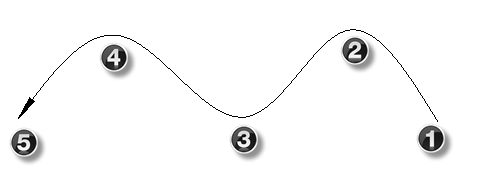
To draw an Arrow Curve
- Select the Arrow Curve tool
- Click to set the first point of the curve.
- Click to set the next point of the curve. Repeat until you have set all of the points of the curve.
- Right click and select Finish.