Tutorial Session 6
Task Drawing & Worksheet
What you will learn in this Session
During this session you will learn how to :
- Create a 3D model of the sketch using the Lathe tool.
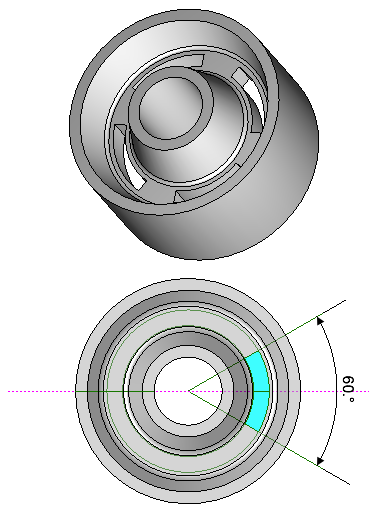
- Draw the slots of the wheel onto the wheel solid.
- Create a new inner profile to extrude as a wheel slot.
- Use the Polar Duplicate to array the slots.
- Subtract the slots from the wheel.
Introducing
The following tools will be used during this Session :
- Lathe tool.
- Extrude by Midplane.
- Subtract Solid.
Information about this Session
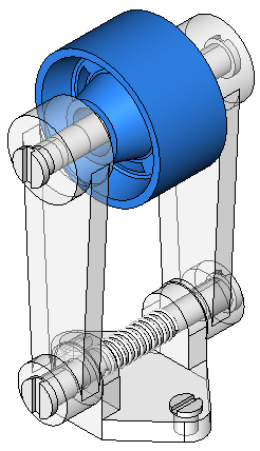
- This drawing forms part of a 5-part assembly. The assembly of these parts is shown in [Session 8](3D Session 08_00.htm).
- Some views in the illustrations may be rotated for illustrative clarity. Should you wish to rotate view to reflect the view shown in the illustrations, use View > Rotate View.
- The sample drawing for this session contains the 2D Sketch and the 3D Model. Frequently, these 2 layers are superimposed. Use the Concept Explorer to control the display of the layers. Create your own layers if you wish to produce the design from scratch or pan to an unused area of the editor.
Estimated Session Duration
- Approximately 45 minutes drawing time. Total session duration may vary.
