Tutorial Session 2
Task Drawing & Worksheet
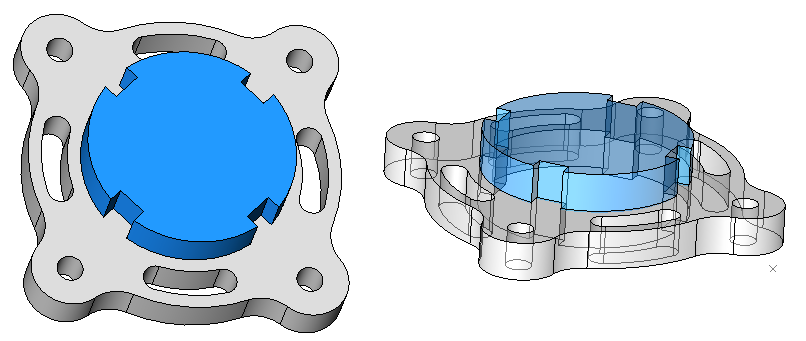
What you will learn in this Session
During this session you will learn how to :
- Create additional layers using the Concept Explorer.
- Extrude 2 separate profiles within the same sketch.
- Create names for components.
- Offsetting the face of a solid to create additional height.
Introducing
The following tools will be used during this Session :
- Learning about color overrides in the Concept Explorer.
- Refining a selection prior to creating an extrusion.
- Offsetting a face.
- Using Isometric and Trimetric Views.
- Dynamically rotating the view.
Information about this Session
- The 3D model in this Session is produced from the 2D sketch geometry created in the 2D Tutorial of this Session. If you have not produced the sketch or retained a copy, use the sample drawing for this Session.
- Some views in the illustrations may be rotated for illustrative clarity. Should you wish to rotate view to reflect the view shown in the illustrations, use View > Rotate View.
- The sample drawing for this session contains the 2D Sketch and the 3D Model. Frequently, these 2 layers are superimposed. Use the Concept Explorer to control the display of the layers. Create your own layers if you wish to produce the design from scratch or pan to an unused area of the editor.
Estimated Session Duration
- Approximately 30 minutes drawing time. Total session duration may vary.
